The first inference control layer for AI.
MEMStorage sits between you and ChatGPT or Claude. Repeated questions are answered instantly from memory at zero token cost. Only genuinely new questions reach the model. Same answers. A fraction of the bill. Gemini support shipping next. Patent pending.
Three match tiers. One UX.
Every prompt routes through MEMStorage first. If it matches a prior answer — exactly, lexically, or semantically — you get the response instantly at zero token cost. If not, the model runs as normal. You always have the option to override and send to ChatGPT anyway.
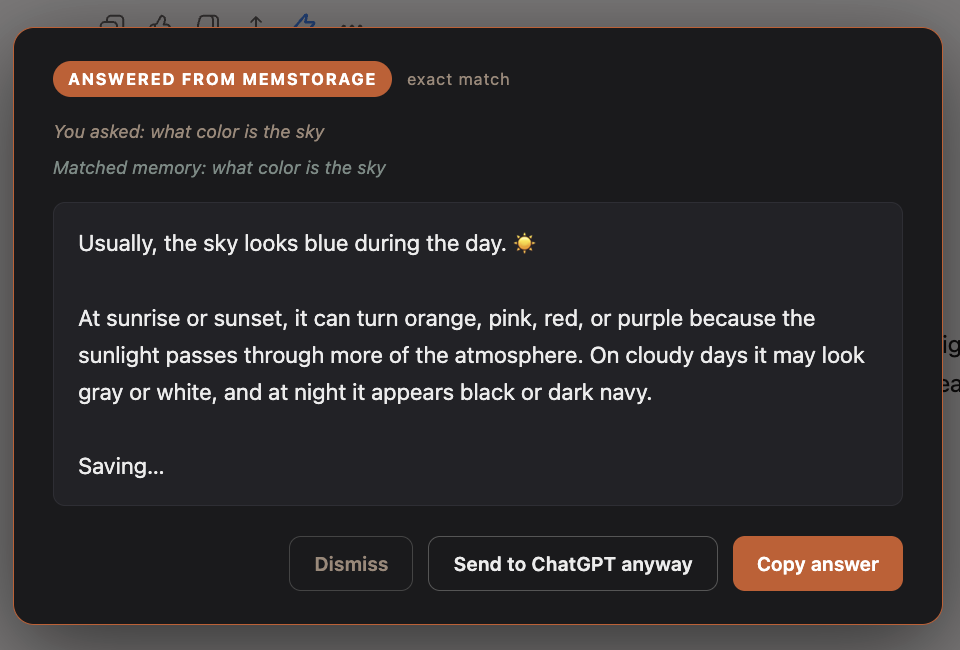
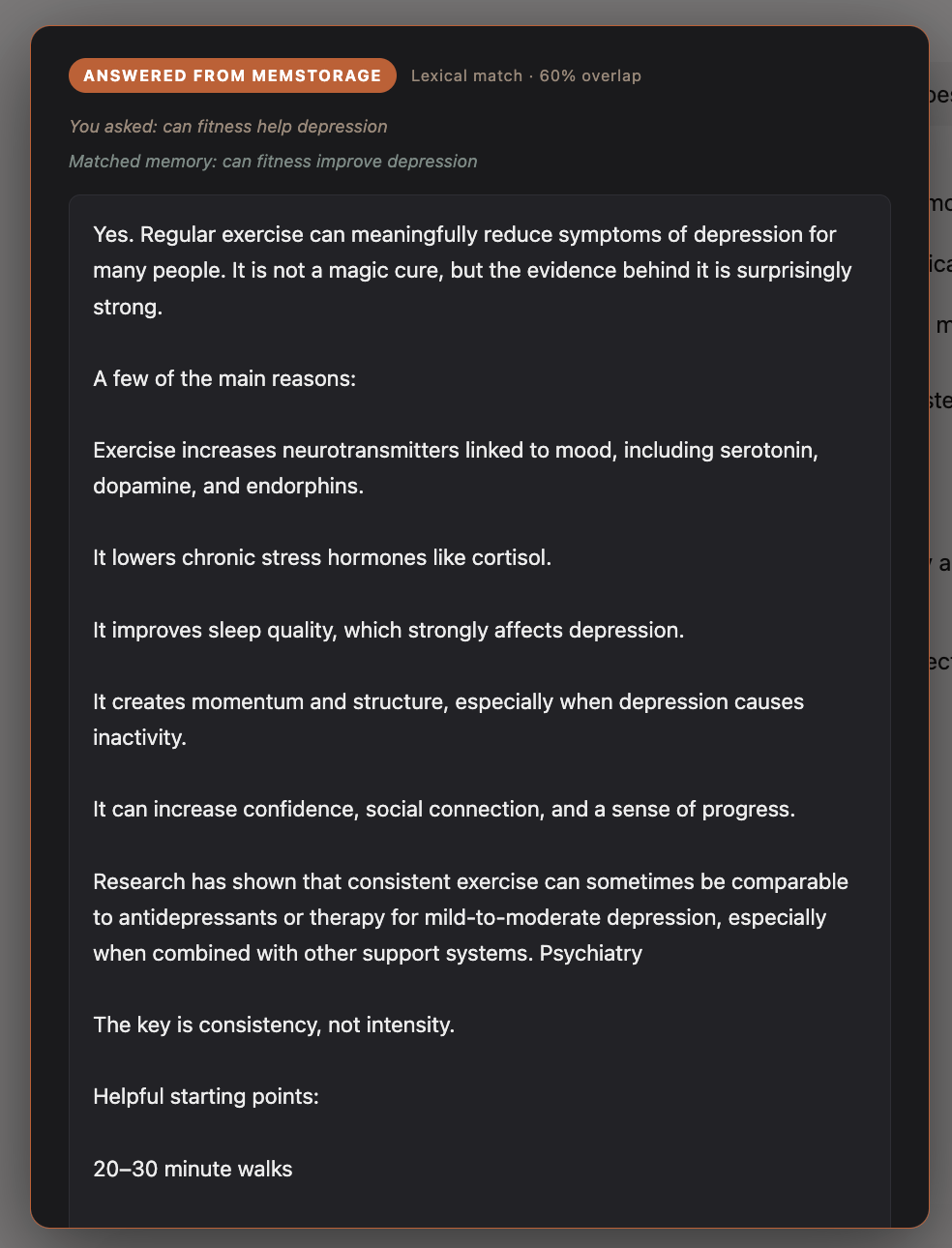
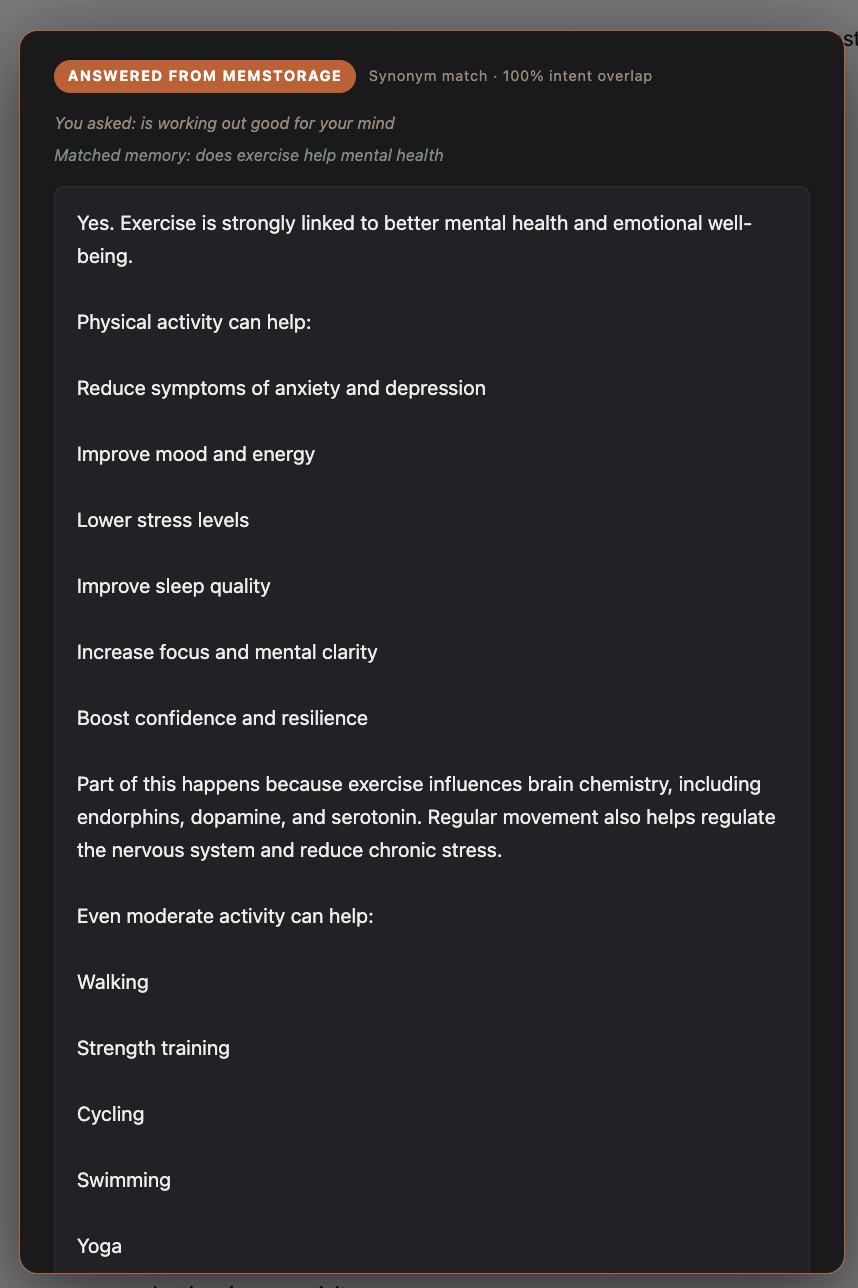
Every card shows the actual UX you'll see on ChatGPT and Claude. You always know it came from memory, you always know how it matched, and you can always override.
Get the beta
One field plus a couple of questions so we send the right updates. Personal beta downloads start instantly; enterprise requests get personalized onboarding from our founder.
Download the beta
v1.6.1 · ~28 KB · Chrome / Brave / Edge / Arc (Chromium-based browsers).
Download memstorage-extension-beta.zipInstall in 30 seconds
memstorage-extension.chrome://extensions in your browser.memstorage-extension folder you just unzipped.chat.openai.com or claude.ai. The MEMStorage badge will appear in the bottom corner. Sign in with the email you just submitted to start routing. (Gemini support is rolling out next — we'll email you when it lands.)Hit a snag? Email patrick@memstorage.com — founder reads every message.